
• Repair Guides
Most common Lenovo ThinkPad problems (and which are worth repairing)
The most common Lenovo ThinkPad problems we see are worn or swollen batteries, USB-C charging faults, screen damage, worn keyboards, and overheating from dust and dried thermal paste. Most of these are well worth repairing on a business-grade ThinkPad, because the parts are widely available and the rest of the machine usually has plenty of life left.
Liquid damage to the motherboard and failed soldered parts on older models are the main cases where a refurbished Lenovo laptop can make more sense.

Written by
Braydon Stone
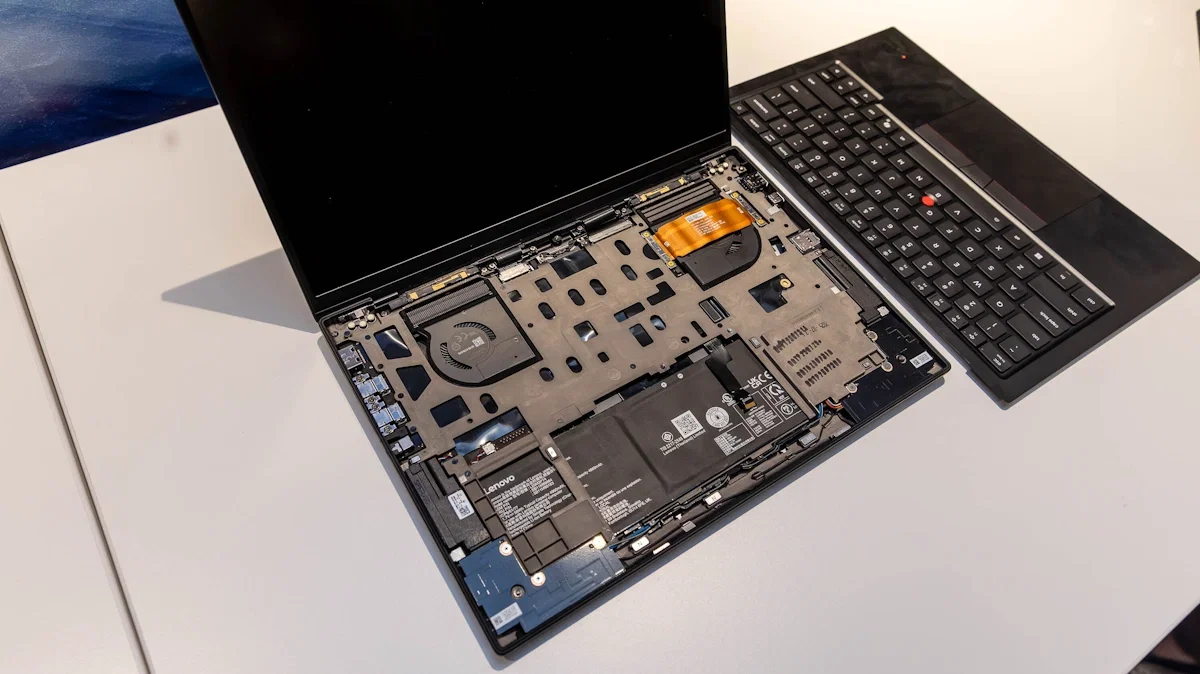
The most common Lenovo ThinkPad problems
ThinkPads are some of the toughest laptops around, which is why so many Kiwi businesses, schools and students rely on them. They still wear out, though, and the same handful of faults turn up on our bench at Regen Computers in Frankton week after week. Here's what goes wrong, what causes it, and whether it's worth fixing. If you'd rather skip ahead, our computer and laptop repair service in Hamilton covers every fault below.
1. Battery wearing out, swelling or "plugged in, not charging"
Lithium batteries lose capacity with every charge cycle, so a ThinkPad that's done years of office work will often only last an hour or two away from the wall. Warning signs include the laptop dying suddenly at 20-30%, a trackpad that feels raised, or a base that no longer sits flat. A raised trackpad or bulging case usually means a swollen battery, so stop using it and get it looked at.
Before you assume the battery is dead, check one thing. Many ThinkPads let you set charge thresholds in Lenovo Vantage, and ex-business machines are sometimes set to stop charging at 60% or 80% to protect the battery. That shows up as "plugged in, not charging" and isn't a fault at all.
Worth repairing? Almost always. A laptop battery replacement is one of the most cost-effective repairs you can do on a ThinkPad.
2. USB-C charging port and charging faults
What it looks like: The screen won't stay open, one side feels loose, you hear cracking when you open the lid, or the plastic around the hinge has cracked.Common causes: Opening the lid one-handed from a corner, carrying the laptop by the screen, or wear after years of opening and closing it every day.
Worth repairing? Often, yes. Hinge and hinge-cover repairs are common on Dell Latitude, Inspiron and Vostro ranges. Catching it early matters, because if a hinge tears the mounting points out of the lid or base, the repair gets bigger.
Before you bring it in: Don't force a stiff hinge. Support the base with one hand when you open it, and avoid using the laptop on soft surfaces that twist the chassis.
3. Cracked screens, flickering and lines
Screens get cracked by pens or earbuds left on the keyboard when the lid is closed, and by bags being dropped. Flickering or lines that change when you move the lid often point to a worn display cable at the hinge rather than a bad panel.
Worth repairing? Yes, in most cases. ThinkPad screens are a common part, and a replacement is often a chance to upgrade from an older low-resolution panel to a sharper Full HD one where the model supports it. See our laptop screen repair page for details.
4. Worn keyboards, sticky keys and TrackPoint issues
ThinkPad keyboards are much loved, but years of use wear the key caps shiny, keys stop registering, and the red TrackPoint can drift or lose its grip. Many ThinkPad keyboards are designed to resist small spills, but sugary drinks and coffee can still cause sticky or dead keys.
Worth repairing? Generally, yes. On many T-series and E-series models the keyboard is a straightforward swap. On thinner models such as the X1 Carbon, the keyboard can be part of the top case, which makes the job bigger.
5. Overheating, loud fans and slowing down
If your ThinkPad's fan runs flat out doing simple tasks, or the laptop gets slow and hot on your lap, dust build-up and dried thermal paste are the usual culprits. Heat makes the processor throttle itself, which feels like the laptop has "aged" overnight.
Worth repairing? Yes. A clean and fresh thermal paste is a quick, low-cost job that can make a big difference to noise, temperature and speed.
6. Slow performance, old drives and soldered RAM
Plenty of older ThinkPads still run a spinning hard drive or only 4GB of RAM, and that's what makes them feel slow, not the processor. Moving to an SSD and more memory often transforms them. One catch: many newer slim models have some or all of their RAM soldered to the motherboard, so you can't always add more.
Worth repairing? Often. Our RAM and SSD upgrades page shows what's possible, and we'll tell you honestly if your model can't be upgraded.
7. Date and time errors at startup
If your ThinkPad shows an error about the date and time on startup, or forgets its clock whenever the main battery goes flat, the small internal clock (CMOS) battery has usually run out.
Worth repairing? Yes. It's a small part and usually a simple job.
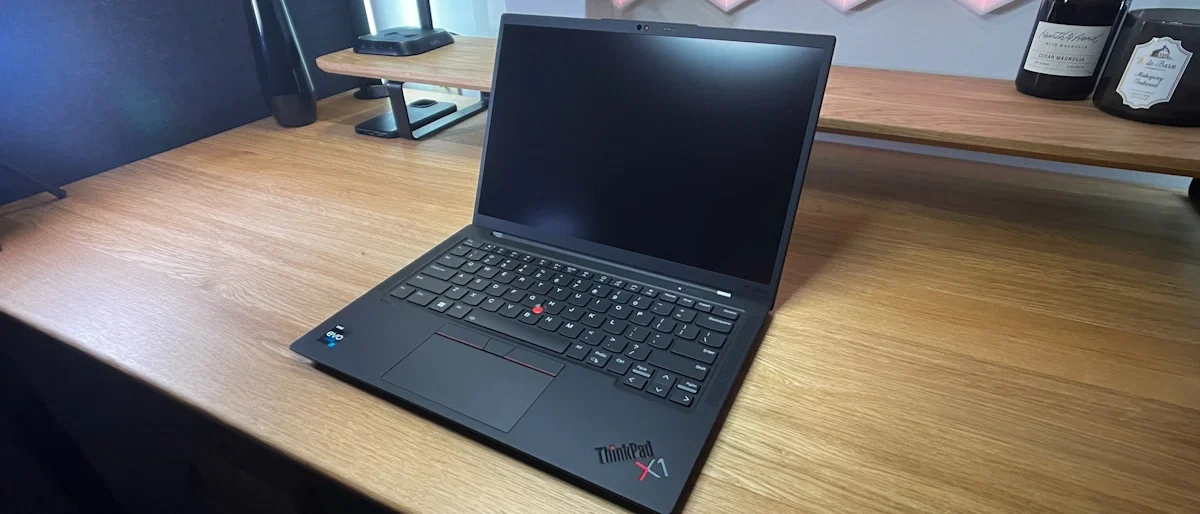
Lenovo ThinkPad Laptop sitting on a table.
When is a ThinkPad worth repairing?
As a rule of thumb, a ThinkPad is worth repairing when:
It has an Intel 8th-gen processor or newer (or a recent AMD Ryzen), so it runs Windows 11 comfortably.
The fault is a common part, such as the battery, screen, keyboard, charging port, fan or drive.
The repair costs well under what a comparable refurbished replacement would.
It's often time to replace rather than repair when the motherboard has liquid damage, several major parts have failed at once, or the laptop is so old it can't run current software well. In those cases, a refurbished Lenovo laptop from Regen comes with a 12-month warranty, 14-day returns and a fresh Windows 11 install, and our cosmetic grades (Pristine, Excellent, Good and Acceptable) only describe how it looks, not how it works.
Your Lenovo ThinkPad questions answered
Common Lenovo ThinkPad Repair Questions
With reasonable care, a business ThinkPad often stays useful for many years. The battery, drive and keyboard usually wear out first, and they can all be replaced, which is why so many ex-lease ThinkPads are still going strong.
Check the charge threshold settings in Lenovo Vantage first, because many ex-business ThinkPads are set to stop charging at 60% or 80%. If that's not it, try a known-good charger. If it still won't charge, the battery, charging port or charging circuit may need repair.
Usually, yes. If the laptop runs well apart from poor battery life, a new battery is one of the most cost-effective repairs you can do. Contact us for a quote for your model.
It depends on the model. Many older and thicker ThinkPads have standard RAM slots, while many newer slim models have some or all of their memory soldered to the motherboard. We can check your model and tell you what's possible.
It depends on the model and the fault, so contact us for a quote. We'll always diagnose the problem and give you a price before doing any work, and repairs come with a 90-day warranty.
Yes. Every refurbished laptop from Regen Computers comes with a 12-month warranty and 14-day returns, plus a fresh Windows 11 install.
Get your ThinkPad sorted in Hamilton
Bring your ThinkPad into our workshop at 4 Devon Road, Frankton, Hamilton (Mon-Fri, 9am-5pm), or call us on 07 846 0009. We'll diagnose the problem, give you a quote before any work starts, and every repair comes with a 90-day warranty. With 200+ Google reviews from local customers, you're in good hands.
Book Your Repair Now
ThinkPad playing up?
Book a diagnosis with our Hamilton laptop repair team, or browse our refurbished Lenovo laptops if it's time for an upgrade. Shipping is from $5.99 with tracked NZ Post, or pick up in store.
Got a Dell as well? Read our guide to the most common Dell laptop problems.